
How to Search Cases by Name
The free Colorado Judicial Docket Search takes a person's name, a business name, an attorney, or a bar number. It covers scheduled events rather than the whole register. Set County to Yuma, then pick District or County Court if you know which one. The tool is calendar based. That means a date range is required, and a date alone will not run the search.
- Select District 13 and County = Yuma, then choose the court type if known.
- Set the date criterion and choose Individual, Business, or the attorney search mode.
- Enter the best-known spelling or a Colorado bar number and run the search.
- Match the result by court, case class, full number, and public caption details.
- If nothing appears, broaden the date range and check whether a municipal court holds the matter.
- Use CoCourts for a chronological ROA or contact the Combined Court for the official file.
The field layout below shows why added context improves a Yuma County name search.
| Field | Type | Use |
|---|---|---|
| Individual or Business | Choice | Controls the name fields |
| First and Last Name | Text | Finds an individual party |
| Business Name | Text | Finds a named organization |
| Attorney Name or Bar Number | Choice and text | Finds counsel-linked settings |
| County, Court, Date | Filters | Limits unrelated results |
Yuma County Search Tools Compared
Colorado splits its case data across separate channels. Scheduled dates live in one place; full histories live in another. The Judicial Branch court-record search page maps out the routes you can take. The free Docket Search is built for upcoming settings. CoCourts, powered by LexisNexis, sells a real-time register of actions drawn from state data, but that vendor display is not the official court record and shows no document images. The official record-search overview explains these options.
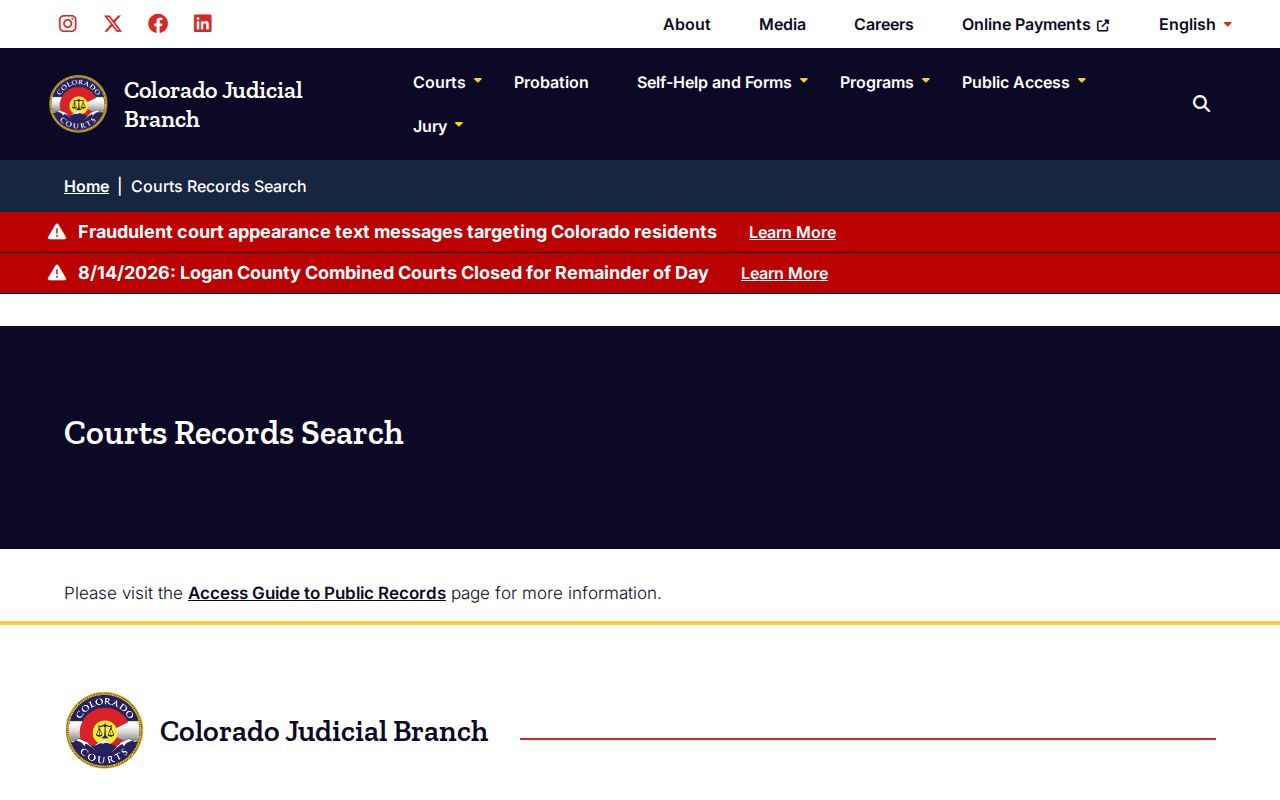
The screen separates public search access from requests for clerk-held papers.
| Channel | Best for | Main limit |
|---|---|---|
| Judicial Docket Search | Free scheduled events | Not a full case history |
| CoCourts/LexisNexis | Paid chronological ROA | Not official; no filed images |
| Yuma Combined Court | Official ROA and documents | Fees and access rules apply |
How to Search by Case Number
A Colorado trial case number usually has three parts. There is a four-digit year, an alphabetic case class, and a numeric sequence. The free form gives each part its own field. Take 2025CR01234, that is a year, a District criminal class, and a sequence. The dropdown labels are live, so don't force a class the current search doesn't offer.
Yuma County classes you'll see include CR for District criminal and CV for District civil. You may also see M for County misdemeanor, T for traffic, S for small claims, DR for domestic relations, and PR for probate. County civil cases may use C. Juvenile classes can be restricted. A felony complaint can start in County Court and later move to District Court. A transfer may create a new number or entry.
Enter all three parts, set County = Yuma, and match the court. A full number cuts down same-name mix-ups. It is also the best identifier when you ask the clerk for help.
Yuma County CoCourts Register Search
The CoCourts register-of-actions service is a commercial channel listed by the state. It spans civil, water, small claims, domestic, felony, misdemeanor, and traffic register data. You can search it by name or case number. Fees apply. The vendor's own page shows the full scope of the service.
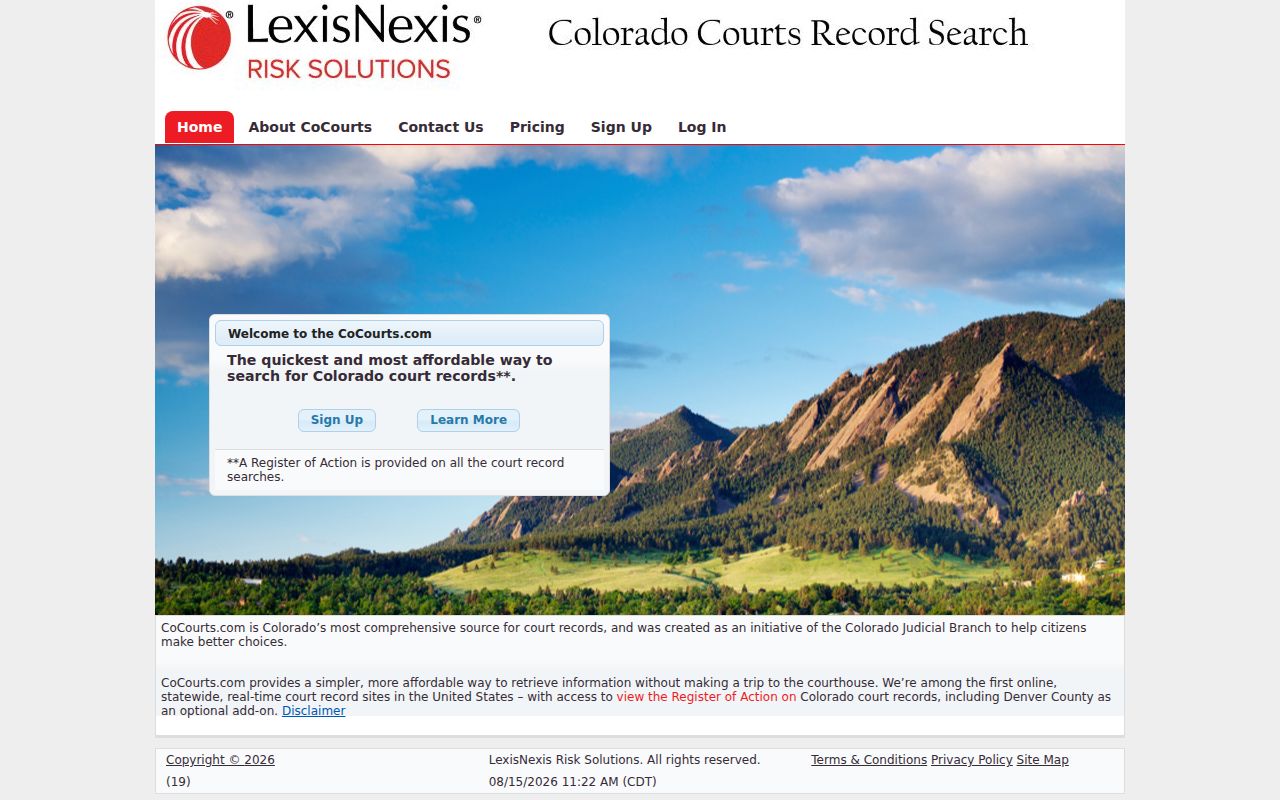
The interface pulls real-time data. Real time still does not mean certified, or complete for every public purpose, so confirm anything that matters with the court.
Need the official ROA? A nonparty name search that includes the register of actions can cost $5 through the clerk, subject to any required waiver.
Ask for the “Register of Action/ROA” and give the full case number when possible.
Yuma County Case Clerk Roles
The Yuma Combined Court clerk is the Judicial Branch office for District and County Court files. The elected Yuma County clerk and recorder is a different office entirely. Any case lookup, ROA request, court order, or certified copy goes to the Combined Court. It does not go to the county land and recording desk.
Municipal custody is separate again. The City of Yuma Municipal Court and Wray Municipal Court keep their own ordinance case files. Read the citation or notice first. The filing court decides where your name or case number should be searched.
What a Case Search Shows
A Yuma County case result can show the number, filing court, case class, status, parties and their roles, attorneys, dated events, settings, and disposition entries. Public-access limits still apply. Financial lines may include costs, fines, restitution, payments, or balances. Don't treat a portal balance as the only amount due. Check the court's collections channel too.
| Case header | Number, court or location, class, filing data, and status when supplied. |
|---|---|
| People and roles | Public party and attorney names with roles such as plaintiff, defendant, petitioner, or respondent. |
| Chronology | Dated filings, minute orders, settings, and disposition events. |
| Next setting | Hearing or trial data, best checked in the free calendar. |
| Documents | Not downloadable through listed commercial ROA vendors; request them from the clerk. |
A motion entry is a request, not a ruling. A minute-order title is not the order's full text. Read forward to the newest entry, and request the actual paper whenever exact language matters.
Yuma County Case Search Gaps
A blank search has several possible causes. First verify the spelling, the date range, the year, the class, and the sequence. Then ask which court holds the case. It could be District Court, County Court, City of Yuma Municipal Court, or Wray Municipal Court. City ordinance matters may never reach the statewide register. Watch for Arizona court results too, since Yuma, Colorado is not Yuma, Arizona.
Older records may sit off-site. Suppressed, sealed, juvenile, probate, and domestic-relations material may be missing or limited online. Contact the Yuma Combined Court at 970-592-6120. You can also email yumacountycourts@judicial.state.co.us, visit the clerk counter at 310 Ash Street, Suite L, Wray, or use the state document-request form. Mail works too, through the printable form. Ask whether a courthouse workstation is available before you drive over.
Note: The elected county clerk and recorder is not the Judicial Branch clerk. That clerk is the one who holds Yuma County state-court case files.
Older Yuma County Case Files
Older court records may be stored off-site, on microfilm, or under a retention schedule. The Yuma Combined Court publishes no digitization cutoff. A vendor no-result is never enough to rule out a historic case.
Call the Combined Court with a year range. Include party names, case type, and any known number. Actual-cost retrieval can apply, so ask for an estimate first. The clerk may also be able to locate a register of actions before anything is pulled.
County vs Statewide Case Search
Yuma County has no case portal of its own. Case lookup for the county runs through the Judicial Branch's statewide Docket Search, which you can prefilter to Yuma, or through commercial ROA vendors that sell statewide case-history data. The Yuma Combined Court holds the official District and County Court file. Each municipal court keeps its own city cases.
Put the pieces together in the right order. The statewide calendar shows a setting, and a vendor supplies a paid ROA. The filing court issues filed documents or a certified copy. That approach keeps you from mistaking an e-filing login for public access. Colorado Courts E-Filing serves eligible filers only. It is not the public case lookup.
A docket entry that names a pleading or an order tells you what to ask for. The Yuma County court record search page explains how to request that exact item from the court.
Certified Yuma County Case Results
Vendor data is real time, but it is still just an informational display. It is not a certified Yuma County record. Treat the search result as a pointer. Then order the filed document from the Combined Court when you need exact wording or something a court will authenticate.
A certified or exemplified copy costs $20 per document plus applicable copying. Certification changes nothing about access. The clerk still applies all access rules, may require identification, and sealed material stays sealed no matter what stamp a copy carries.
Yuma County Case Access Rules
The Colorado public-records access guide spells out two limits worth knowing. Remote access to court records is narrower than access at a court facility, and vendor data is not the official record.
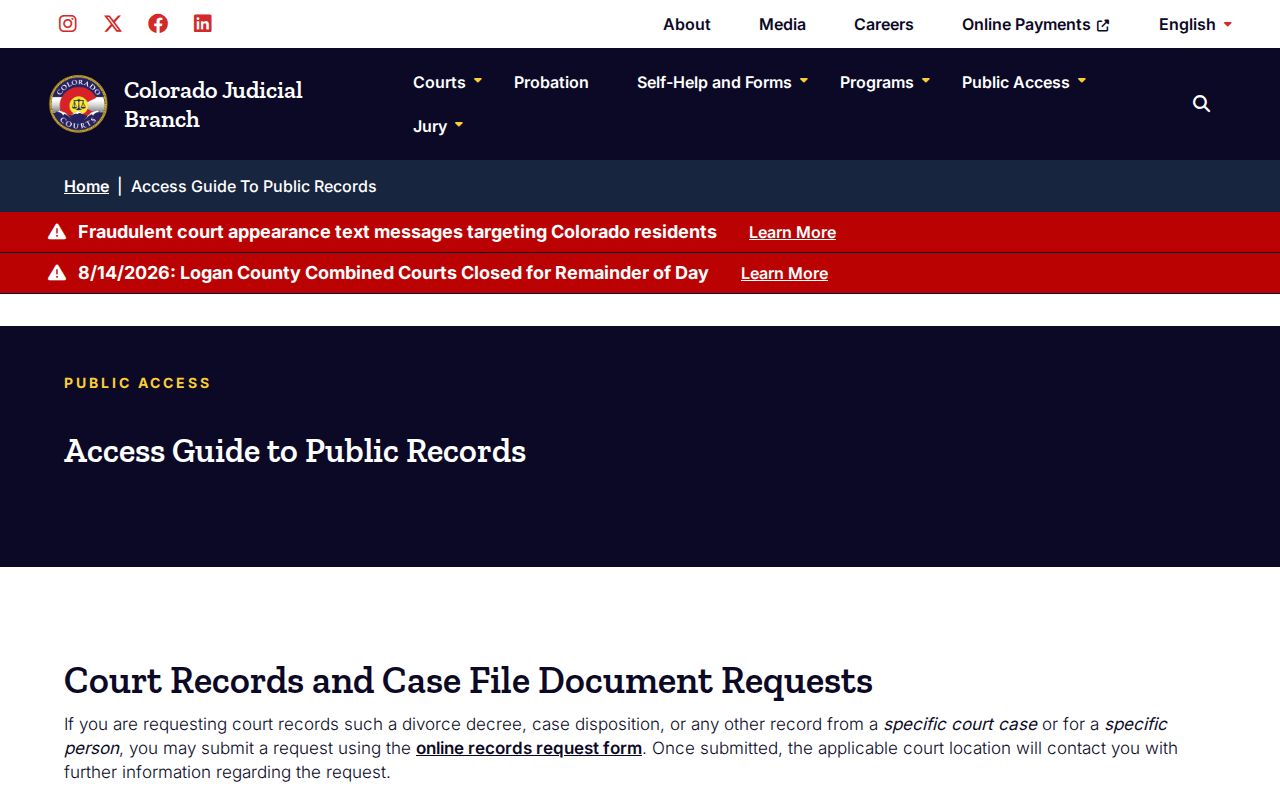
The guide also points to the clerk. Turn there when you need proof, a filed image, or a certified copy.
Chief Justice Directive 05-01 sets the general court-record framework. Criminal case access follows Colorado Rule of Criminal Procedure 55.1 as well. Administrative records take a different route through PAIRR 2. Local executive records may fall under the Colorado Open Records Act. A named case document belongs with the filing court, not a broad administrative request.
Restricted Cases and Access Rules
A Yuma County docket search will not show everything. Remote results may exclude sealed or expunged cases, juvenile delinquency, mental-health, judicial-bypass, dependency-and-neglect, adoption, paternity, truancy, and much domestic-relations content. Deposited wills, treatment information, medical records, juror questionnaires, presentence reports, and some exhibits can also be protected. Sensitive identifiers must be removed.
Colorado's Sealed Case Search is narrow by design. Only the defendant may use it, one case at a time, and it confirms only sealing under C.R.S. §13-3-117. It does not answer every sealing route. The form requires court location, year, class, sequence, identity data, an ID choice, and a sworn declaration.
Access limits can produce odd results: a blank screen, a limited caption, or an event with no document attached. Do not infer that the case never existed. For certain suppressed, juvenile, probate, or confidential requests, the clerk may require government photo ID.
Federal Yuma County Case Lookups
Federal cases arising in Yuma County take a different route. They never land at the Yuma Combined Court. They belong to the U.S. District Court for the District of Colorado, the U.S. Bankruptcy Court for the District of Colorado, or an appellate court. PACER is the official federal docket system. Its case locator requires an account along with federal case-number formats.
Free copies exist too. The RECAP archive offers federal docket documents that users have contributed.
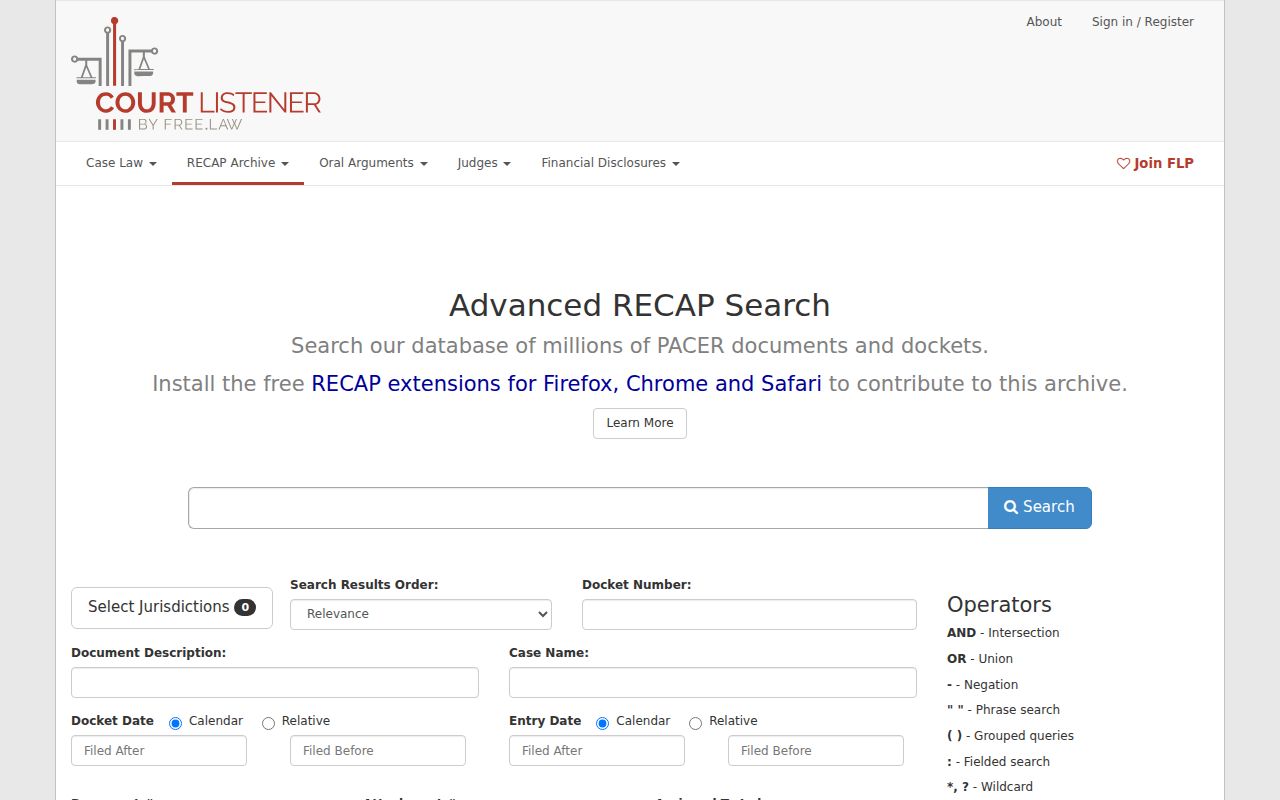
RECAP does not have everything. When an item has not been contributed, PACER or the federal clerk is the source to use.