
Searching Yuma County Civil Dockets
The free Colorado Judicial Docket Search lists scheduled civil events for Yuma County cases. Pick the 13th Judicial District, choose Yuma County, and set District or County Court. From there, filter by case number, party, or attorney name. The date alone will not run a search. Colorado case numbers open with a four-digit year, then case-class letters, then a sequence. Civil classes you may see include 2025CV..., 2025C..., 2025S..., 2025DR..., and 2025PR....
That free hit is only a calendar entry. It is not the full Yuma County civil Register of Action. The Judicial Branch points to CoCourts/LexisNexis for real-time ROA data. That covers civil, small-claims, domestic, and probate cases. The service charges a fee, shows no filed images, and is not the official record. Work the sequence this way:
- Choose County Court or District Court from the claim type, amount, and case-class clue.
- Search the state docket by full case number, or use a party or attorney name with Yuma filters.
- Confirm the caption, court, class, filing year, sequence, and division before reading events.
- Use the commercial ROA when a chronological history is needed rather than only a court date.
- Ask the Yuma Combined Court for the judgment, pleading, decree, or certified copy.
Yuma Civil Dockets Split at $25,000
Colorado draws the line at $25,000. Yuma County Court hears civil claims under that amount, plus small claims. Larger or general civil disputes go to Yuma County District Court. That court also handles domestic relations and probate. One clerk serves both trial levels at the unified Yuma Combined Court. The municipal courts do not act as ordinary civil-damages courts. Still, a city can enforce its ordinances or grant nuisance relief under them.
| Case class | Typical Yuma court | General subject |
|---|---|---|
| C | County Court | Civil claims within County Court jurisdiction |
| S | County Court | Small claims |
| CV | District Court | General or larger civil cases |
| DR | District Court | Domestic relations |
| PR | District Court | Probate |
Trust the live portal label over any fixed list, since available classes shift. The $25,000 line helps you pick a court, yet the filed case number beats any guess about a claim's size. When the papers leave the level unclear, the clerk can confirm it.
Inside a Yuma County Civil Docket
A Yuma County civil docket reads best in order, so start by confirming the case identity. Next, trace the filing chain: the complaint or petition, service, the answer or default step, then motions, orders, and settings. Finish at the newest judgment or dismissal entry. Don't stop there, though. A satisfaction, amended judgment, stay, writ, or appeal can still shift the case's posture.
| Case identity | Number, class, filing date, court, division, and current status. |
|---|---|
| Parties | Plaintiff and defendant, or petitioner and respondent, plus public attorney appearances. |
| Opening events | Complaint or petition, summons, service return, answer, or a default request. |
| Mid-case events | Motions, minute orders, conferences, hearing settings, and trial settings. |
| Outcome | Judgment, dismissal, agreed order, appeal, closure, or reopening. |
| Post-judgment | Satisfaction, transcript of judgment, collection writ, stay, or amended judgment. |
The vendor ROA does not include the filed pleading or the signed order. To get those, use the state record request, which offers named civil selections such as Order for Judgment, Transcript of Judgment, Satisfaction of Judgment, Protection Order, and Register of Action.
Yuma Civil Filings Are Not Rulings
A motion entry shows only that a request was filed. It never shows that the judge granted it. Look for a later order or minute order, and request that document when the exact terms matter. Default follows the same logic. A default entry or request can precede the default judgment. Even that judgment may later face a set-aside request.
- Service or return
- An event showing that papers were issued, delivered, or returned; read the entry before assuming valid service.
- Motion
- A party's request for a ruling, not the ruling itself.
- Judgment
- A court determination of rights or amounts, subject to later proceedings.
- Satisfaction
- A record that the judgment obligation has been recorded as satisfied.
- Transcript of judgment
- A $25 lien-enforcement instrument, not a word-for-word transcript of a hearing.
Short docket labels leave out conditions and deadlines. Order the signed judgment or the underlying Yuma County civil document. Rely on that text, not the label's phrasing.
Read past the first judgment entry in the Yuma County civil chronology. A later stay can pause enforcement. An amended judgment can replace a prior amount or term. A satisfaction records that the debt was paid. An appeal moves review to another court, and it still leaves the trial record intact. Each of these is its own docket event. The signed document carries the details a brief ROA phrase cannot.
Civil Case Types on the Docket
Yuma County civil dockets hold many kinds of disputes. Court level and case class drive both the search and the access rules. County Court carries civil claims below the statutory ceiling. It also takes small claims. District Court takes the larger civil matters. It also carries domestic relations and probate. Protection-order events can also appear in public view, subject to document-level limits.
- County civil claims in class C.
- Small claims in class S.
- District civil disputes in class CV.
- Domestic-relations matters in class DR.
- Probate matters in class PR.
Domestic and probate records demand extra care. A case may be restricted remotely even when a redacted final document can still be requested. A blank search result does not mean no controlled court file exists.
Yuma Civil E-Filing Is Separate
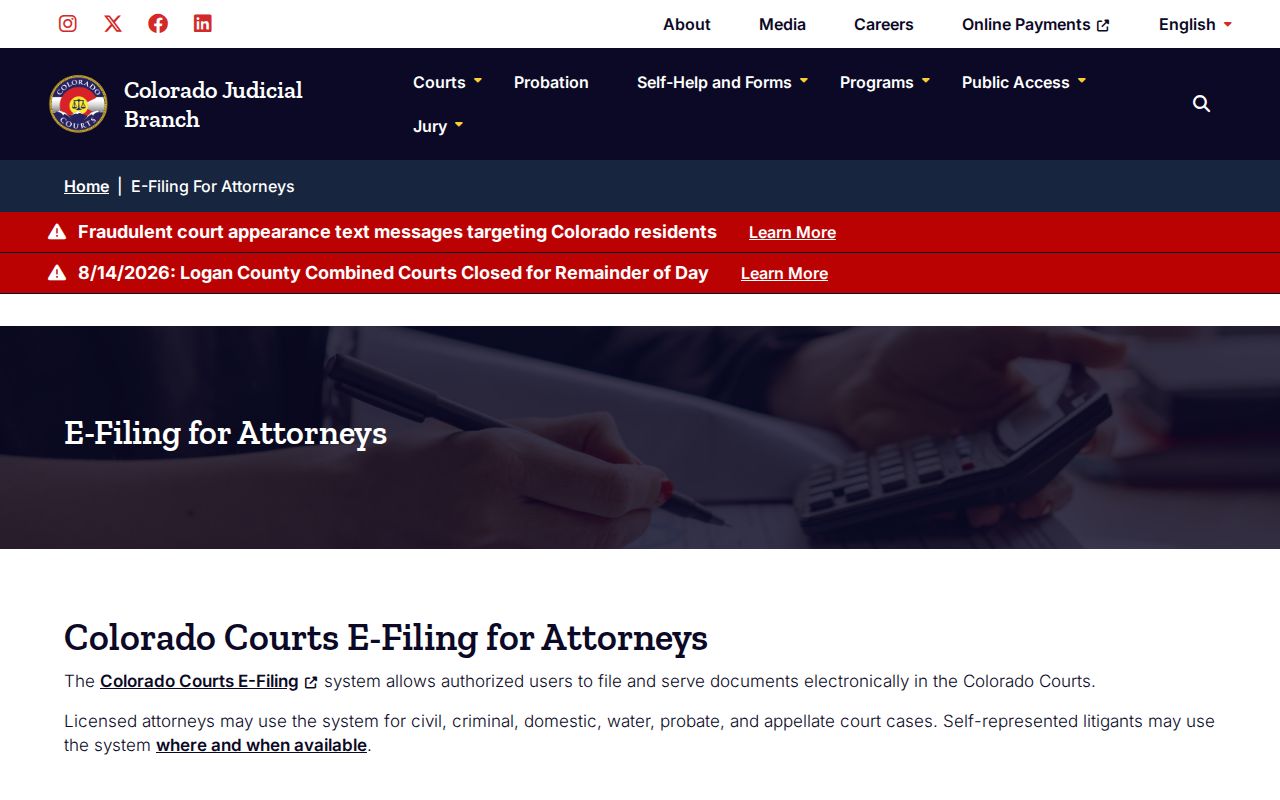
Colorado Courts E-Filing delivers eligible documents into a case file. It is not the public docket search. Attorneys file through the Judicial Branch's covered route. Eligible self-represented domestic-relations filers use the non-attorney system. A 13th Judicial District e-filing order made electronic filing mandatory for covered County Court civil work. It kept paper filing open to unrepresented parties.
The official attorney e-filing information from the Judicial Branch links e-filing to Colorado's court-data structure. It is a tool for filers, not a route to public ROA access.
The non-attorney e-filing route is shown next.
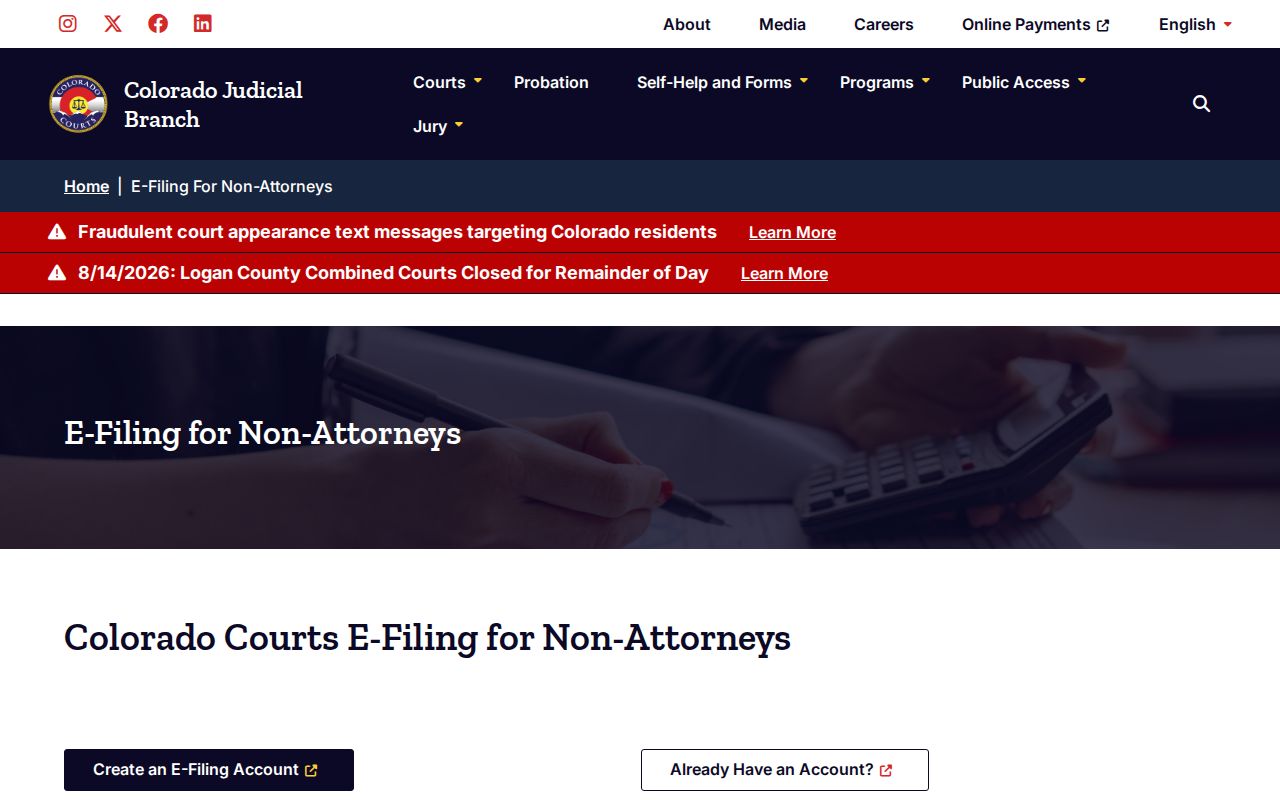
That path only covers eligible filing activity. A member of the public who wants to read the Yuma County civil docket still turns to Docket Search, CoCourts, or the clerk.
Civil Docket Settings and Hearings
A setting is a planned court event, nothing more. It is a date, not a result. The Yuma County civil docket may list a conference, a motions hearing, a trial, a permanent-orders hearing, a small-claims trial, or a review. Read the newest setting first. Then compare it against the most recent notice or order before relying on the date, since a continued, reset, or vacated event can linger in the docket history.
Yuma's local page defaults to in-person appearances. Only a case-specific court order changes that, and an old Webex link does not count. If two dates appear or the division is unclear, call the Yuma Combined Court at 970-592-6120. A phone call alone does not continue a hearing.
Yuma Civil Portal Roles Compared
Yuma County civil dockets sit across three online systems, and each does one job. Judicial Docket Search finds scheduled events. CoCourts sells a nonofficial chronological ROA with no filed images. E-Filing handles submissions, not browsing; Colorado Courts E-Filing accepts eligible filings from an account holder. None of these replaces the clerk's certified record.
The Colorado Courts E-Filing login opens the portal's account screen. That screen shows a filing system for account holders. It is not a public Yuma County civil docket viewer.
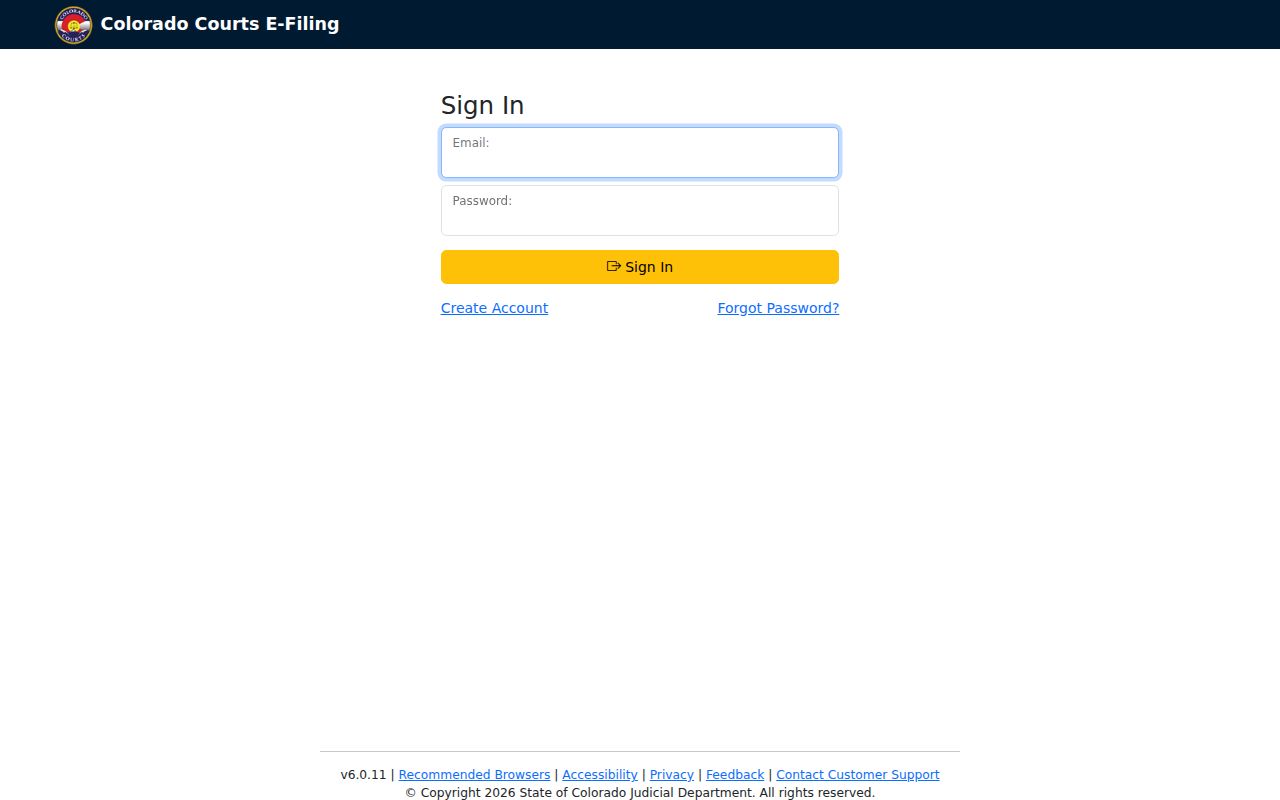
Use the free docket calendar when only the next setting matters. Want a filed order instead? Submit a document request. Matching the channel to the task avoids paying for the wrong product.
Civil Docket Access Rules
Chief Justice Directive 05-01 governs public access to Colorado court records. It draws a line. One side is what a visitor can view at the courthouse. The other is what reaches them remotely. Most ordinary Yuma County civil docket information stays open. Exclusions, redactions, statutes, rules, and court orders can still apply. Domestic-relations cases are generally restricted remotely. Juvenile, adoption, paternity, dependency and neglect, mental-health, and other protected classes face stronger limits.
Access point: The public may inspect accessible records at reasonable times, but protected identifiers and confidential documents must remain withheld or redacted.
Colorado's public-access limitations identify protected case types, records, and personal data.
Bring government photo identification when asking the clerk for a suppressed, juvenile, probate, or confidential record. The clerk may require it. The Colorado Open Records Act covers executive and local administrative records. Judicial Branch case files follow the court-record framework instead. A Yuma County civil decree request belongs with the Combined Court. The elected County Clerk and Recorder is the wrong office for it.
Request Yuma Civil Orders
Start by choosing a channel. The Yuma Combined Court takes the statewide online request, phone or email to the clerk, counter visits at 310 Ash Street, Suite L in Wray, and mail using the downloadable form. Ask whether a courthouse workstation is available. Older files may sit off-site. Retrieving them can carry real cost. Expect a response within three business days from the online form, or three to five business days per the paper form.
Copy charges add up quickly. Electronic or coin copies run $0.25 per page, while court-produced paper on the downloadable schedule costs $0.75. A nonparty name search with the ROA is $5, and certification or exemplification adds $20 per document. Research or redaction costs $30 per hour after the first hour. Get a quote first. The two request forms display different copy estimates.
Name the record precisely in your request: the court, case class, number, filing year, parties, and the exact document. "Order for Judgment" means the signed order, while "Transcript of Judgment" means the $25 enforcement instrument. "Register of Action" covers the brief event history. Those labels point to separate Yuma County civil records.
A quick phone call or email helps the clerk find the file before you drive over. Counter access sometimes shows public material that remote systems will not distribute. Mail works best with a narrow year range, clear party names, and a return address. Is the case domestic, probate, suppressed, or otherwise restricted? Ask what identification or authorization the clerk needs. Staff can explain the process and the available record types. They cannot advise a party on the claim or the response.
Requesting several Yuma County civil records? Separate the items by case number and document title. That shows whether you want the ROA, a judgment, a satisfaction, or a certified copy. Ask for a cost estimate first. Large files and off-site material can cost more. Postage follows the state form's page bands and can shift with postal rates.